Troubleshooting & Setup Help for All Types of Printers
Having issues with your printer? Whether you’re setting up a new device, fixing offline errors, connecting to Wi-Fi, or trying to get your computer to recognize your printer — our support team is here to help.
We assist with all major printer types, including wireless, USB, office, home, all-in-one, and photo printers.
1. Printer Showing Offline
-Network disconnections
-Driver conflicts
-Pending print jobs
-Device recognition issues
-We guide you to get your printer back online in minutes.
2. Wireless / Wi-Fi Setup Help
-Network configuration
-Router compatibility
-Wireless setup steps for all printer types
-Connection stability troubleshooting
3. Driver Installation & Updates
– and install the correct driver
-Fix driver conflicts
-Configure your computer to recognize the printer properly
4. Printing & Scanning Problems
-Print queue errors
-Cartridge recognition issues
-Paper feed and jam problems
-Scanning & copying malfunctions
(Printer Setup, Printer Installation, Add Printer, Printer Offline)
Setting up your new printer is simple! Follow these quick steps to get started:
Remove all packaging materials and tapes.
Place the printer on a flat surface near your Wi-Fi router or computer.
Install Ink/Toner Cartridges & Paper.
Open the cartridge access area.
Insert the cartridges as per the color labels.
Load A4 or preferred paper size into the input tray.
Plug in the power cord and press the power button.
For USB setup: connect the USB cable to your computer.
For Wi-Fi Printer setup: go to printer settings ? choose Wi-Fi ? select your network ? enter password.
Visit the official Printer Setup.
Enter your printer model and download the latest drivers.
Install the software on your Windows or Mac device.
Print a test page to confirm everything is working.
Adjust preferences like paper size, quality, and duplex printing.
-

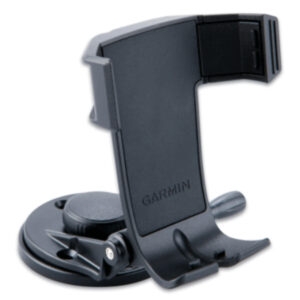
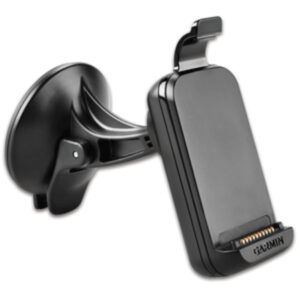
Garmin Powered Suction Cup Mount w/Speaker f/n and #252;vi 34xx Series and 37xx Series
$13.74 Add to cart -

Garmin Marine Mount 78 Series
$18.74 Add to cart -

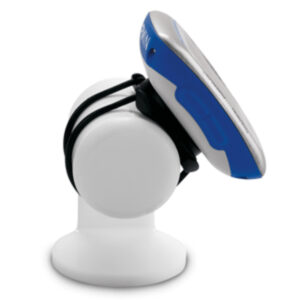
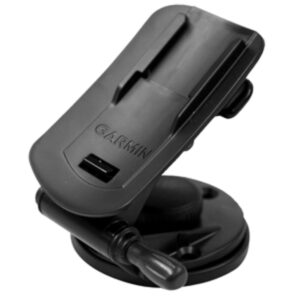
Garmin Quarter-Turn Bike Mount f/Edge
$6.04 Add to cart -

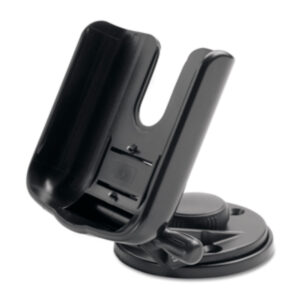
Garmin Marine and amp; Car Mount
$16.49 Add to cart -

Garmin Bike Mount f/Colorado Series
$5.50 Add to cart -

Garmin Bicycle Mount Kit f/Approach, fenix, Forerunner, FR60, FR70, Foretrex and quatix
$8.24 Add to cart -

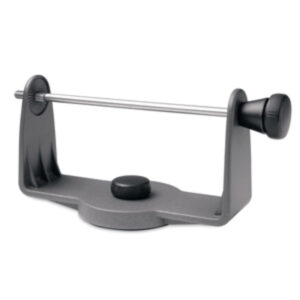
Garmin Swivel Mounting Bracket f/GPSMAP 500 Series and GXM 31
$20.30 Add to cart -

Garmin Replacement Swivel Mount Bracket
$20.30 Add to cart -

Garmin Second Mounting Station f/GPSMAP 500 Series
$31.50 Add to cart -

Garmin Handlebar Mounting Bracket
$9.89 Add to cart -

Garmin Marine Mount
$22.26 Add to cart -

Garmin Handlebar Mount Bracket f/eTrex Series
$7.90 Add to cart
Showing 277–288 of 6971 results
-

HP LaserJet 500-Sheets Feeder CF239A
$275.08 Add to cart -

HP Laserjet C3906A Toner Cartridge for 5L, 5L xtra, 5L-fs, 6L, 6Lse, 6Lxi – 2500 Pages – Black
$60.49 Add to cart -

HP LaserJet Enterprise M507n Mono USB LAN Laser Printer 1PV86A#BGJ ( Unused )
$339.61 Add to cart -

HP LaserJet Envelope Feeder For LaserJet M607 M608 M609 L0H21A
$199.49 Read more -

HP LaserJet M479FDN USB LAN Duplex Color Laser Printer W1A79A#BGJ
$326.90 Add to cart -

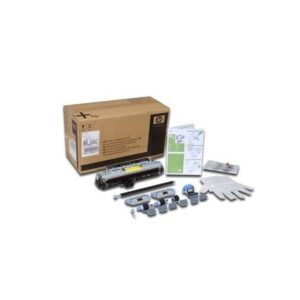
HP LaserJet MFP Maintenance Kit 220V Fuser For M5035 Q7833-67901
$76.38 Add to cart -

HP LaserJet MFP Maintenance Kit 220V Fuser For M5035 Q7833A
$71.80 Add to cart -

HP LaserJet MFP Maintenance Kit 220V Fuser For M5035 Q7833A
$76.38 Add to cart -

HP LaserJet MFP Maintenance Kit 220V Fuser For M5035 Q7833A
$76.38 Add to cart -

HP LaserJet MFP Maintenance Kit 220V Fuser For M5035 Q7833A
$76.38 Add to cart -
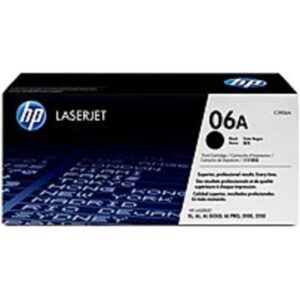
HP LaserJet MFP Maintenance Kit 220V Fuser For M5035 Q7833A
$76.38 Add to cart -

HP LaserJet MFP Maintenance Kit 220V Fuser For M5035 Q7833A
$76.38 Add to cart
Showing 289–300 of 536 results