

-

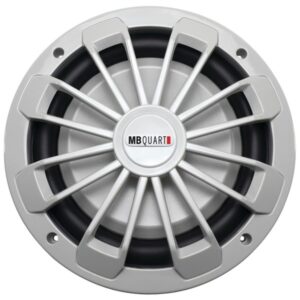
MB Quart NW1-254 Nautic Series 10″ 600-Watt Shallow Subwoofer (No Illumination)
$71.01 Add to cart -
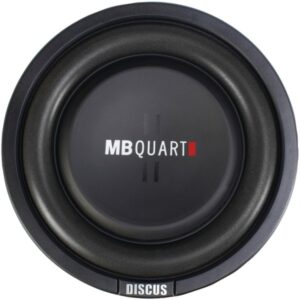
MB Quart DS1-254 Discus Series 400-Watt Shallow Subwoofer (10″)
$56.17 Add to cart -
MB Quart DS1-204 Discus Series 400-Watt Shallow Subwoofer (8″)
$46.63 Add to cart -
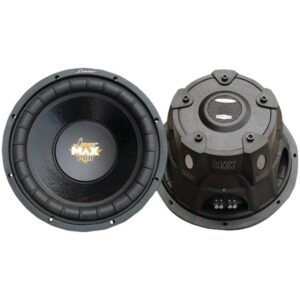
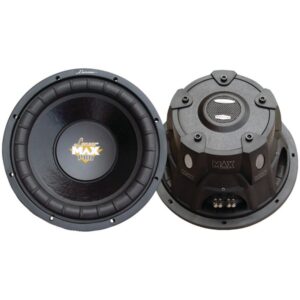
Lanzar MAXP84 MaxPro Series Small 4ohm Subwoofer (8″, 800 Watts)
$21.93 Add to cart -
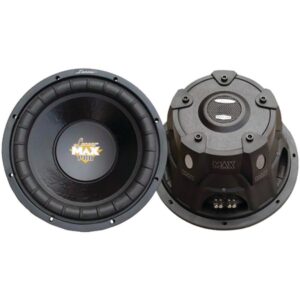
Lanzar MAXP64 MaxPro Series Small 4ohm Subwoofer (6.5″, 600 Watts)
$16.42 Add to cart -
Lanzar MAXP154D MaxPro Series Small 4ohm Dual Subwoofer (15″, 2,000 Watts)
$52.46 Add to cart -
Lanzar MAXP124D MaxPro Series Small 4ohm Dual Subwoofer (12″, 1,600 Watts)
$40.80 Add to cart -
Cerwin-Vega Mobile V82DV2 Vega Series 8″ 750-Watt DVC Subwoofer (2ohm )
$61.47 Add to cart -
Cerwin-Vega Mobile V124DV2 Vega Series 12″ 1,300-Watt DVC Subwoofer (4ohm )
$81.61 Add to cart -
Cerwin-Vega Mobile V102DV2 Vega Series 10″ 750-Watt DVC Subwoofer
$76.31 Add to cart -
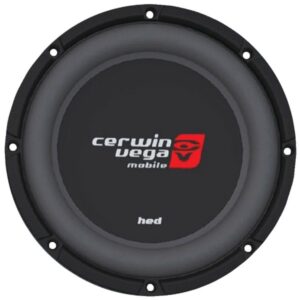
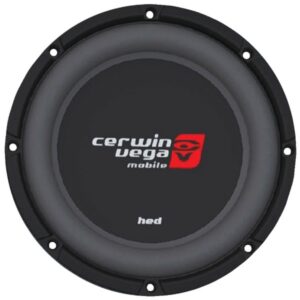
Cerwin-Vega Mobile HS122D HED Series DVC Shallow Subwoofer (12″, 2ohm )
$61.47 Add to cart -
Cerwin-Vega Mobile HS104D HED Series DVC Shallow Subwoofer (10″, 4ohm )
$59.35 Add to cart -
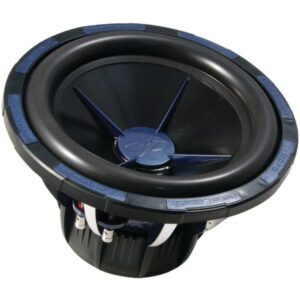
Power Acoustik MOFO-152X MOFO-X Series DVC 2ohm Subwoofer (15″, 3,000 Watts)
$167.47 Add to cart -
PylePro – PDBT21F – 1.75” Heavy Duty Aluminum Die-Cast Titanium Super Tweeter
$33.99 Add to cart -
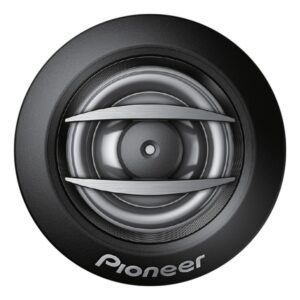
Pioneer TS-A1607C A-Series 6.5-Inch 2-Way Component Speaker System
$65.71 Add to cart -
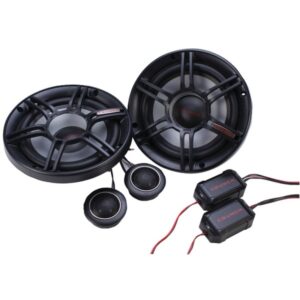
Crunch CS65C CS Series 6.5″ 300-Watt 2-Way Component Speaker System
$29.67 Add to cart




Showing 433–448 of 6971 results
-
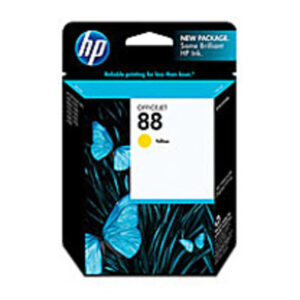
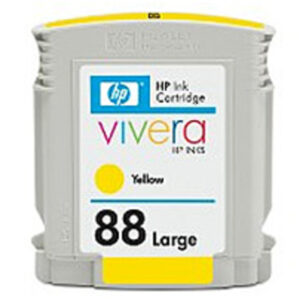
HP C9388AN 88 Ink Cartridge for Officejet K550, K550dtn, K550dtwn, K5400, K5400dn, K5400dtn – 860 Pages – Yellow
$19.49 Add to cart -
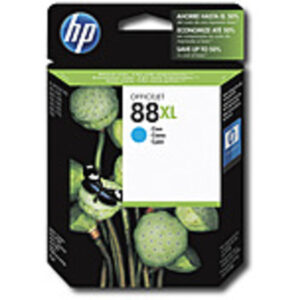
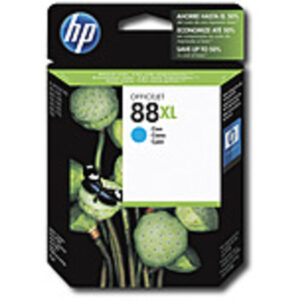
HP C9391AN140 88L Ink-jet Ink Cartridge – Cyan
$34.97 Add to cart -
HP C9391AN140 88L Ink-jet Ink Cartridge – Cyan
$33.97 Add to cart -
HP C9392AN140 88XL Magenta Large Ink Cartridge
$29.97 Add to cart -
HP C9393AN140 No. 88 Ink Cartridge for Officejet Pro K550 Series Eas – Yellow
$31.49 Add to cart -
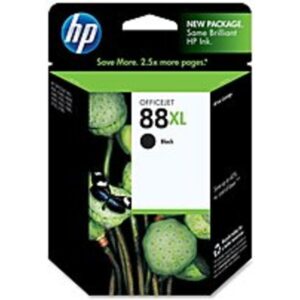
HP C9396AN140 88XL Ink-jet Cartridge for Officejet Pro K550 Printer – Upto 2450 Pages – Black
$52.97 Add to cart -
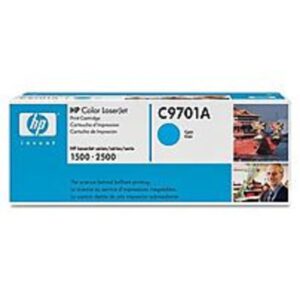
HP C9701A Toner Cartridge for Color Laserjet 1500 and 2500 Series – 4,000 Pages – Cyan
$70.49 Add to cart -
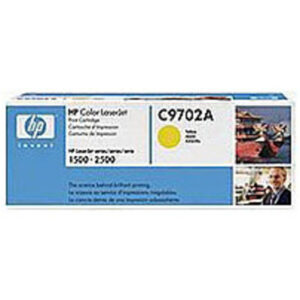
HP C9702A Laser Toner Cartridge – 4,000 Pages Yield – Yellow – 1 Pack
$69.49 Add to cart -
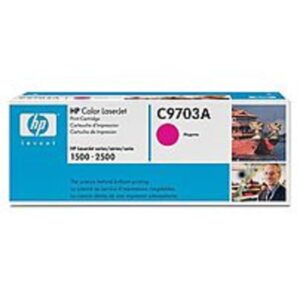
HP C9703A Toner Cartridge for Color Laserjet 1500 and 2500 Series – 4,000 Pages – Magenta
$67.97 Add to cart -
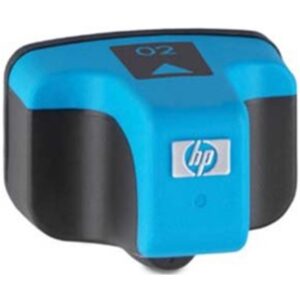
HP CB280W 02 Cartridge with Vivera Ink – Cyan
$11.97 Add to cart -
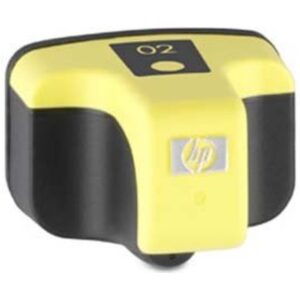
HP CB282W 02 Vivera Ink Cartridge – Yellow
$11.97 Add to cart -
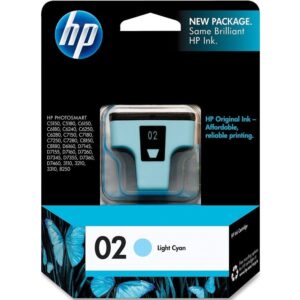
HP CB283W 02 Series Standard Yield Ink Cartridge – Light Cyan
$7.49 Add to cart

Showing 241–252 of 536 results